
The PushOwl integration is available on the Convert Plan and up. Click here to upgrade your plan.
Integrate Loox with PushOwl to collect customer reviews using Web Push Notifications.
To integrate Loox with PushOwl, follow the steps below:
- Inside the Loox app "Settings - Integrations" menu, go to "PushOwl" and click "Manage".
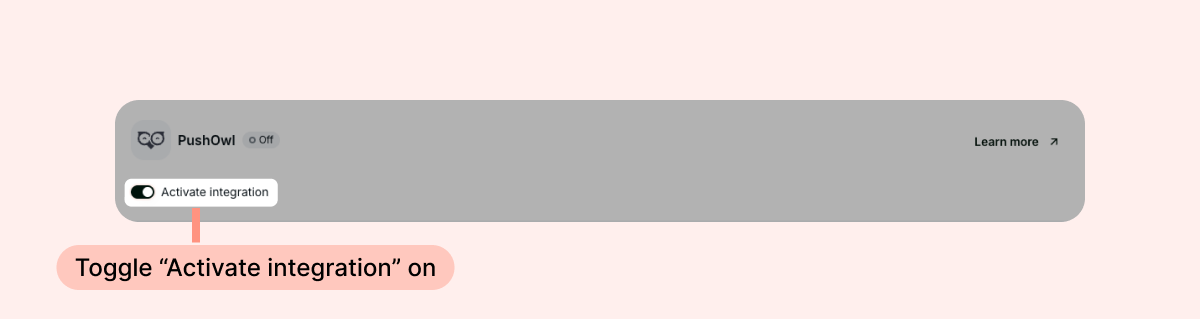
- Toggle "Activate integration" on.
Push notifications will be sent according to your Review Request email timing.
Notes: PushOwl will only send push notifications to customers who opted in to receive push notifications.
- For orders that include more than one product, Loox will select one product to request a review for, which name and image will be included in the push notification's body. Customers will also be encouraged to review other items from their order.
- To test this, you can send yourself a manual review request email. Make sure you accept push notifications before sending a manual review request.